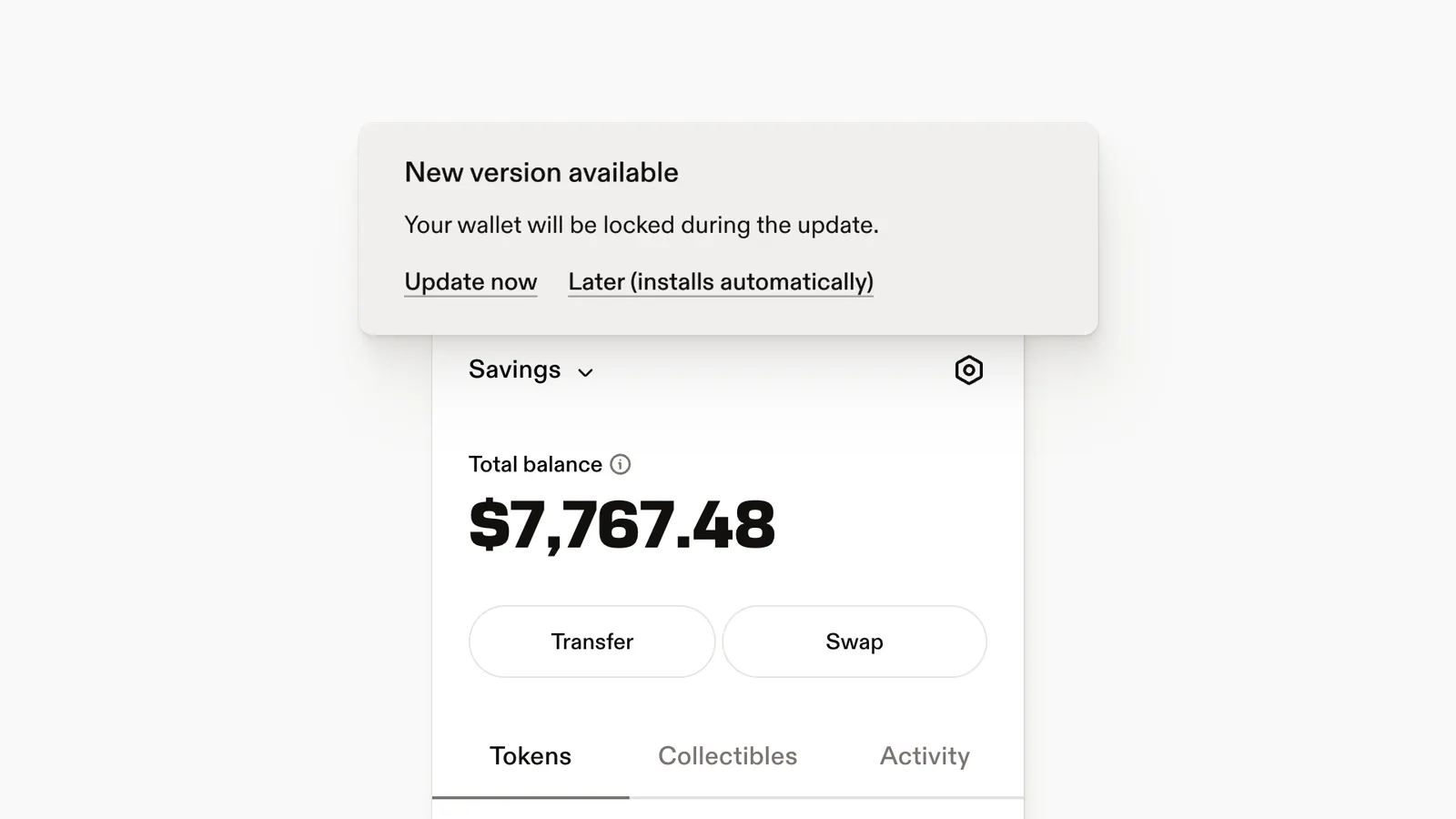
Chrome updates Leather automatically, but it can hold an update back while the extension is in use. Leather now tells you when that happens.
A "New version available" band appears at the top of the wallet. Choose Update now, or choose Later and it installs the next time you relaunch your browser. Either way your wallet locks during the update, so keep your password handy.
You never need to uninstall and reinstall Leather to get the latest version.